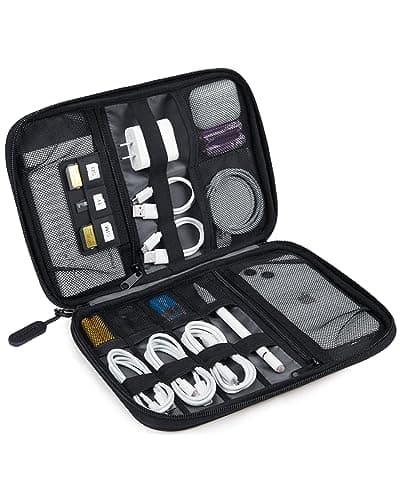
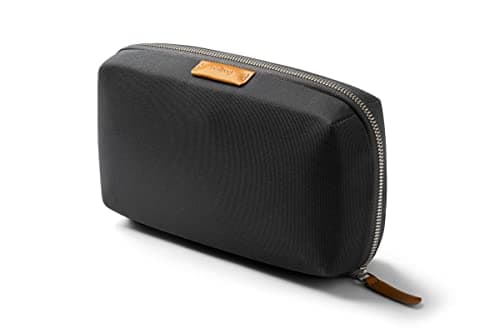
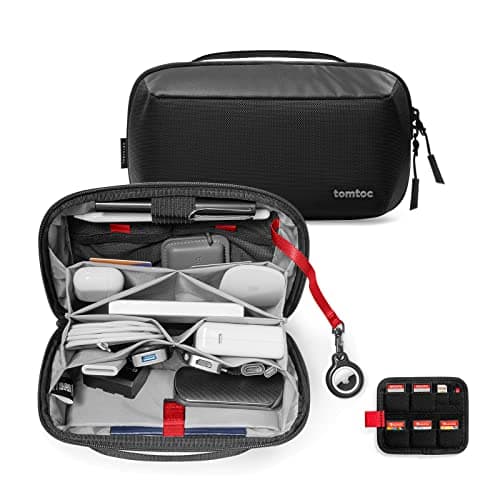
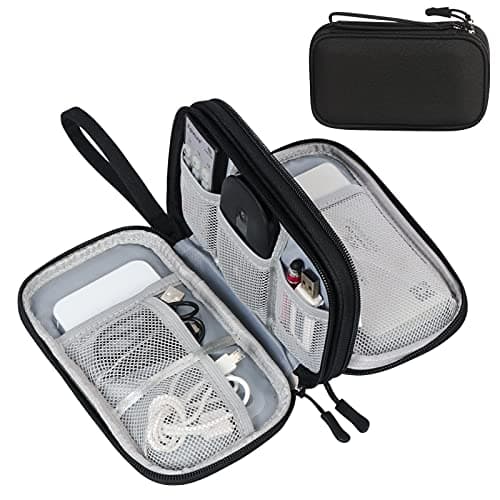
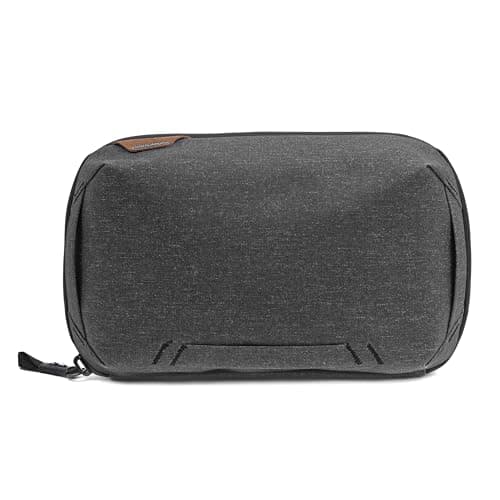
Cables are the one category where a packing cube is actively the wrong container. Drop six cables, two plugs and a power bank into a fabric box and physics does the rest — heavy items sink, cables interleave, and the thing you want is at the bottom under everything else. A tech organizer is not a smaller cube. It is a pouch with fixed positions, and the whole value proposition is that every item has a home you can reach without emptying the bag.
Findability beats capacity
Most tech-pouch listings compete on how much they hold. That is the wrong metric. The moment that decides whether you like a pouch is standing at an airport gate with a phone at 4% — can you get the right cable out, one-handed, without decanting the contents onto a seat? Elastic loops, dedicated pockets and a lid that opens flat all serve that moment. A large undivided cavity does not, no matter how much it holds. So findability carries the most weight in the ranking below, and it is why a $10 pouch with loops scores better than a $30 one without them.
Size it around your biggest single item
Almost every returned tech pouch is returned for the same reason: the laptop charger did not fit. Cables are flexible and will squeeze in anywhere; a power brick is a rigid rectangle with a fixed footprint, and it is the constraint that sets the pouch size. Work out whether your laptop charger is going in the pouch or in the bag beside it, and buy accordingly. If it is going in, you want the tomtoc or the BAGSMART. If it is not, the Bellroy's slim profile suddenly becomes an advantage instead of a limitation.
Organizer or case? They are not the same thing
An organizer is a soft pouch that keeps things findable. A case is a semi-rigid shell that keeps things intact. Only one pick here — the tomtoc — meaningfully leans toward the second, and none of them will save a bare hard drive from a real drop. If you are carrying something genuinely fragile, buy a hard case for that item and use the organizer for everything else. Listings blur the two words constantly; the fabric in the photos will tell you which one you are actually looking at.
How we ranked them
Findability — can you get one specific item out without unpacking the rest? Capacity — does a laptop brick fit, or only phone-scale gear? Build — shell fabric, zip quality, and whether a brand stands behind it. Protection — how much structure sits between your gear and a knock. Value — what the live Amazon price buys against the rest of the field. Scores are judgments from published specs and aggregated owner feedback, not measurements we took; the rubric is on our methodology page.
The short version
If a tech pouch is something you open every single day, the Peak Design Tech Pouch is worth its price and you will understand why in a week. If it is something you open on trips, the BAGSMART Large does ninety percent of the same job for a fifth of the money. Carrying a laptop brick? tomtoc. One-bagging with a full backpack? Bellroy, for the shape. Just want the cables to stop tangling? The FYY costs less than the cable it is holding.
The other small-item container in the personal item is the one for the passport, and it has its own ranking: the best travel document organizers sorts passport wallets, family holders and neck wallets the same way this page sorts pouches.
The buyer's guide: what to check before you click
Count your rigid items, not your cables
Write down the things that will not bend: laptop charger, plug adapters, power bank, mouse, hard drive, camera batteries. That list sets your pouch size. Cables fill the gaps around rigid items and never determine the footprint, which is why "holds 20 cables" claims tell you nothing useful about whether your kit fits.
Look for a pass-through if you use a power bank
A cable pass-through is a small grommet or gap that lets a cable exit a zipped pouch. It sounds like a gimmick until the first time you charge your phone from a power bank that stays inside the closed pouch in your bag, instead of two loose objects sliding around with a cable stretched between them. Only the Peak Design pouches here have it.
Elastic loops beat mesh pockets
Mesh pockets hold a group of things loosely; elastic loops hold one thing in one place. For cables, loops win outright, because a cable in a mesh pocket still tangles with the other cables in that pocket. When you are comparing two pouches at the same price, count the loops.
Where it goes in the bag
A tech pouch is dense and rectangular, which makes it a good structural block low in a backpack or flat against the back panel — and a bad thing to have buried under three cubes when you are at security and need the laptop charger out. It belongs in the top or the outer compartment, which is the same "access frequency decides position" rule that governs cube loading in how to pack a backpack with packing cubes.
The one-pouch-per-purpose trick
Frequent travelers who look organized are usually not more disciplined — they just own two pouches. One lives permanently in the day bag with the everyday cable, earbuds and plug and never gets unpacked. The second holds trip-specific gear: the camera charger, the travel adapter, the spare power bank. Nothing gets re-packed between trips, so nothing gets left behind. It is exactly the color-coding logic the cube system uses, applied to electronics — see the packing cube color-coding system.